


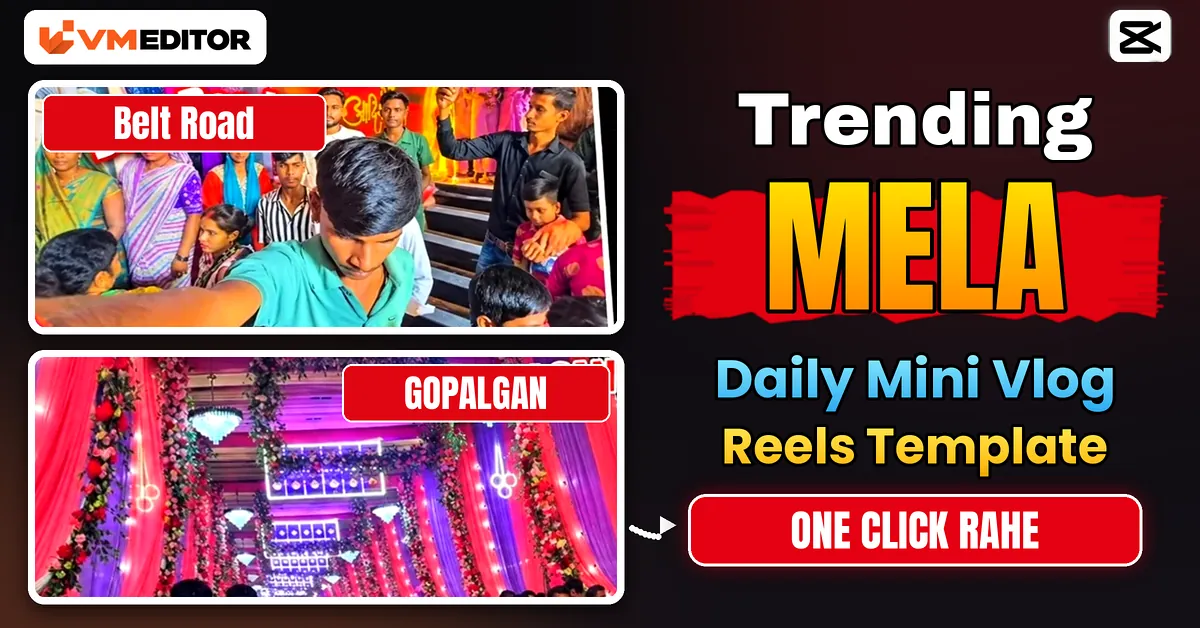
Your Mela Clips Deserve Better Than a Plain Upload
Walk into any mela after 7 pm and the place is already lit like a film set. String lights over every stall, a giant wheel turning against a dark sky, jalebis frying in a kadhai the size of a bathtub, and a crowd that never really thins out. You shoot all of it on your phone, post it as-is… and it just sits there.
The clips are not the problem. The edit is. The mela videos flooding Instagram Reels right now use one shared shortcut — the Viral Mela My First Blog CapCut template — which cuts your fair footage to a trending beat with transitions and colour work already done. You bring the clips, the template does the editing. Here is how to use it properly, including the shots worth recording before you even open CapCut.
What Is the Viral Mela “My First Blog” CapCut Template?
It is a ready-made CapCut edit built for fair and festival footage. The cuts, beat sync, slow-motion stretches, transitions and colour grade are fixed in advance. When you apply it, CapCut slots your own videos into that structure, so a handful of ordinary phone clips comes out looking like a planned shoot.
The odd name comes from the creators using it. Thousands of people titled their first-ever fair vlog with some version of “my first blog” (usually meaning vlog), the phrase stuck to the trend, and now the template itself travels under that name. If you search the trend on Instagram, you will see the same edit structure repeated across hundreds of mela videos — same beat, same pacing, different fair.
Why This Template Is Blowing Up
Three things work in its favour. First, mela footage is naturally high-retention: bright lights, moving rides and dense crowds give the eye something new every second, so people watch till the end. Second, the template’s cuts land on the beat, which is the part beginners struggle with most when editing by hand. Third, it asks for nothing expensive — a phone, a free app and one evening at a fair.
There is also a nostalgia angle. For a lot of viewers a mela video is not random content, it is the fair they grew up visiting. That emotional hook is why these Reels collect shares, not just likes.
The Clips You Need: Shoot These 6 Shots
The template can only work with what you give it. Record these six shots at the fair, each about 4–5 seconds, holding the phone steady and vertical:
1. The entrance. Walk towards the main gate and film it head-on. This becomes your opening shot, so keep it smooth — walk slower than feels natural.
2. The giant wheel. Shoot it from a low angle against the sky. A slow upward tilt works beautifully here.
3. A food stall close-up. Jalebi spirals dropping into hot oil, chaat being plated, kulfi being sliced — food in motion always performs.
4. The crowd walk-through. Hold the phone at chest height and walk through the busiest lane. This is the energy shot.
5. Lights, out of focus. Pan slowly across the string lights and let them blur into bokeh. It reads as pure atmosphere.
6. A ride in motion. The carousel, the Columbus, the breakdance — anything spinning or swinging.
Two habits separate good source clips from bad ones: wipe the lens before recording (night lights smear badly through a greasy lens), and tap to lock focus and exposure on your subject so the brightness does not pump up and down mid-shot. Shoot two or three spare clips as well — templates vary in how many slots they have, and spares give you choices when one clip fights the beat.

How to Use the Mela Template in CapCut (Step by Step)
Step 1: Install CapCut from the Play Store or App Store, or update it if you already have it. Outdated versions are the most common reason template links fail.
Step 2: Tap the “Use Template in CapCut” button above. It opens this template directly inside the CapCut app.
Step 3: If the page says the template is not available, do not give up — CapCut templates are region-limited, and in some regions the app itself runs restricted. Connect a VPN app to a supported region first, then tap the button again. This one detail is why half the blogs about this trend quietly mention a VPN.
Step 4: Inside CapCut, tap “Use template” and select your mela clips. Add them in the shot-list order above: entrance first, giant wheel second, then food, crowd, lights and the ride.
Step 5: Trim each clip to the length the slot asks for. Pick the liveliest part of the shot, not the beginning by default — the action usually starts a second in.
Step 6: Preview the full video twice. If any clip lands awkwardly on the beat, swap it for a spare. If the template includes a text overlay, edit it with your fair’s name or remove it.
Step 7: Export with the settings below and post it while the trend is warm.
Export Settings That Keep It Sharp on Reels
Instagram compresses everything, so export cleaner than you think you need to. Use 1080 × 1920 resolution, 30 fps (match 60 only if you shot in 60), and set the bit rate to Recommended or higher in CapCut’s export screen. Export once from the original project — never re-export an already exported video, because each round-trip softens the night lights into mush. Where CapCut offers an “export without watermark” option, use it; if it asks you to share through a partner app to remove the watermark, that is normal.
When the Template Misbehaves
The link opens a browser, not the app. Long-press the button and open it with CapCut, or copy the link and paste it into your phone’s browser, which usually hands it to the app correctly.
“Template not available in your region.” That is the region lock from Step 3 — VPN on, region changed, tap again.
The export looks blurry even at 1080p. Check the source clips first. Low-light phone footage shot at high ISO is soft before CapCut ever touches it. The fix is at the fair, not in the app: shoot closer to the lights and lock exposure as described above.
FAQs
Is the Viral Mela CapCut template free?
Yes, templates shared through these links are free to use inside CapCut. Some individual effects or fonts inside a template can be marked Pro, in which case CapCut will flag them before export and you can swap them for free alternatives.
Does it work on both Android and iPhone?
Yes. The template opens in the CapCut app on both platforms. Just make sure the app is updated, since older versions sometimes fail to load newer templates.
Can I use photos instead of videos?
Most slots accept photos too, and CapCut will animate them slightly. For this particular trend, real video clips look noticeably better — the crowd movement and ride motion are half the appeal.
Why do I need a VPN for a video template?
Because CapCut restricts parts of its service, including template access, in some regions. The VPN simply makes the app treat you as a user in a supported region. Connect it before tapping the template link, and you can disconnect once the template has loaded.
How long should each clip be?
Shoot 4–5 seconds per shot. Template slots are usually shorter, and a longer source clip lets you choose the best moment when trimming.
Final Thoughts
A good mela video is 90% footage and 10% edit — the template handles the 10% so you can concentrate on the 90%. Shoot the six shots, keep the lens clean, and let the beat do its work.
If one-tap viral edits are your thing, readers here also get a lot out of the Chini attitude video prompt for attitude Reels and the string art video editing prompt that is doing the rounds right now. Different method, same goal: a Reel that looks like it took far more effort than it did.
